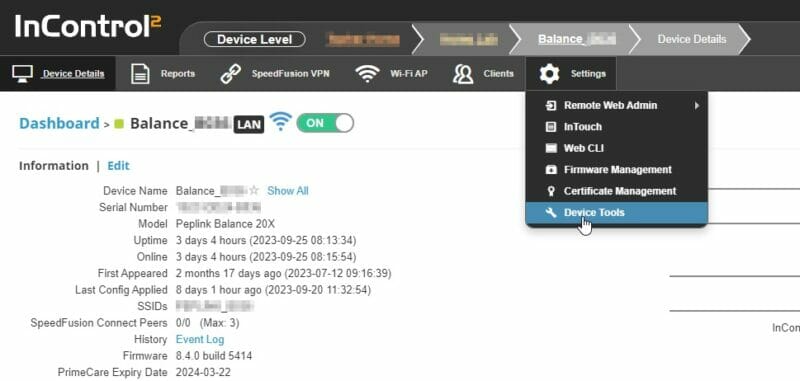
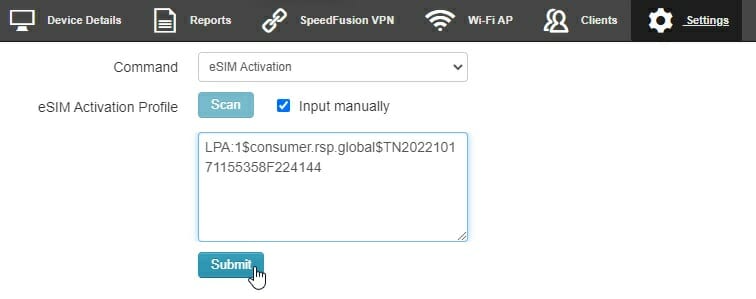
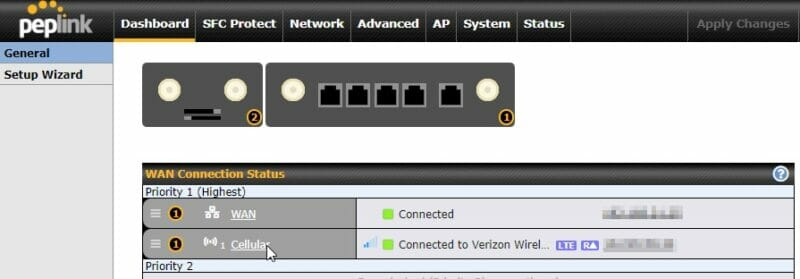
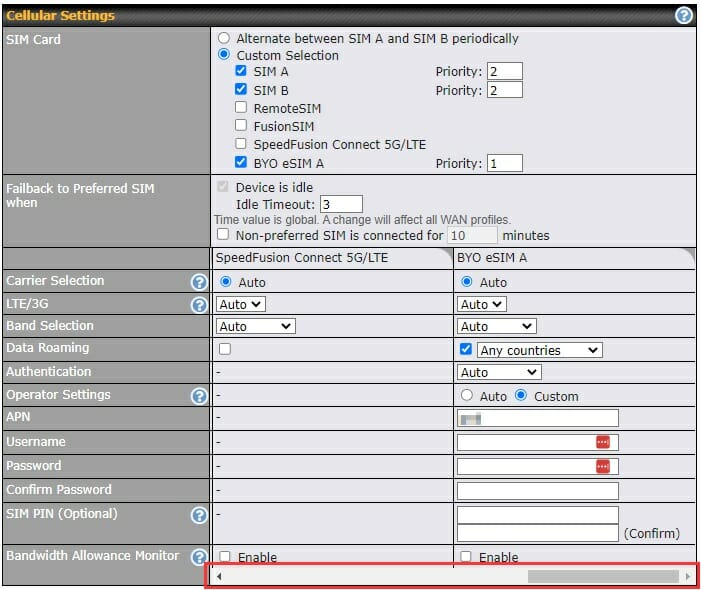
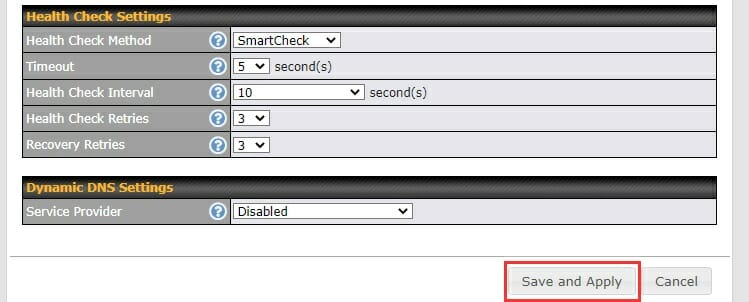
Note: eSIM support requires an active Care Plan, InControl 2 (IC2), Firmware 8.4.0 or newer and a router with an integrated eSIM. To find out if your router has an integrated eSIM, Check the cellular WAN details from IC2 to see if there is a SIM card ICCID listed under SpeedFusion Connect 5G/LTE.Some devices require specific firmware packages. Please refer to Peplink's website for more details.
Set up a WAN Connection
Plug an ethernet cord into the LAN port of the device or access its broadcasted SSID. Additionally, you will need to plug an ethernet into the device's WAN port and a third party ISP. Log into the device GUI using the IP 192.168.50.1 in your browser after you have connected it to to a PC. After logging into the device GUI, navigate to Network > LAN > Port Settings > WAN 1 and disable WAN 1 as a LAN port.
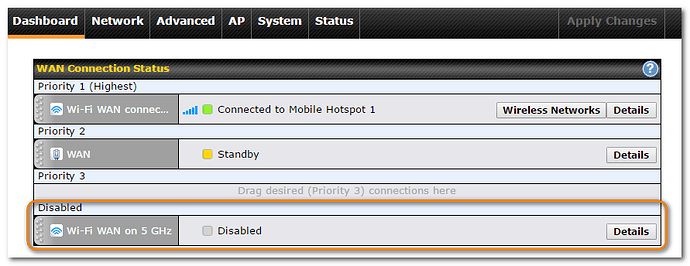
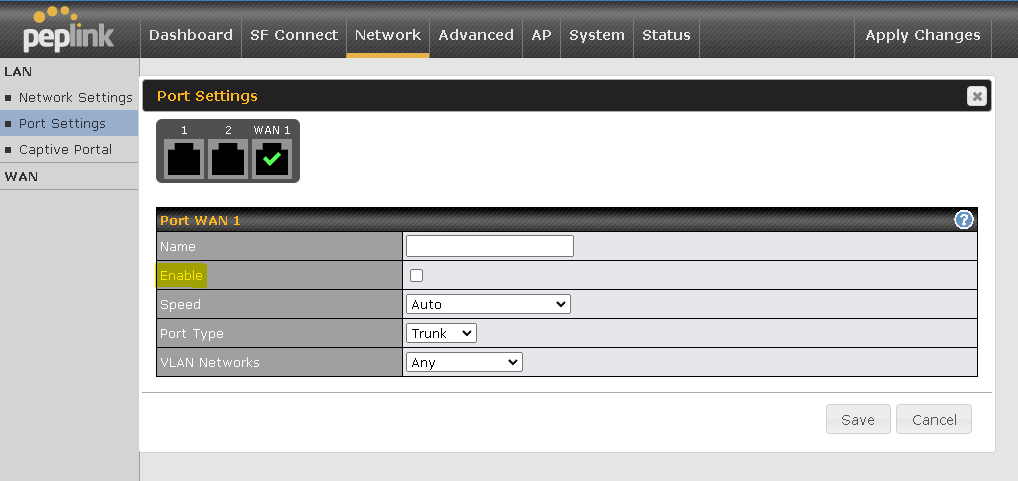 Alternatively, you can set up Wi-Fi as a WAN if you do not have a way to connect the device to an ISP modem via ethernet.